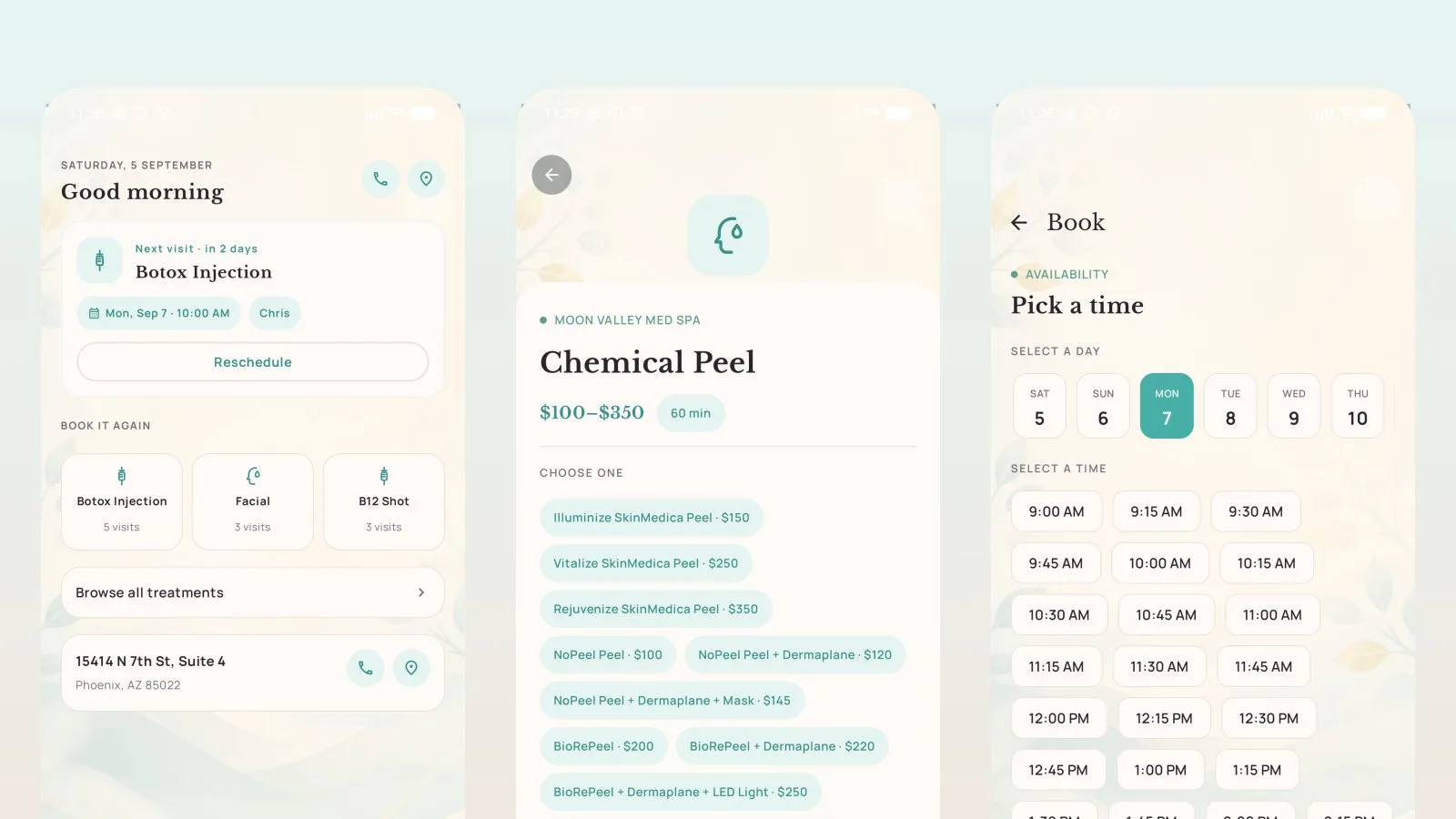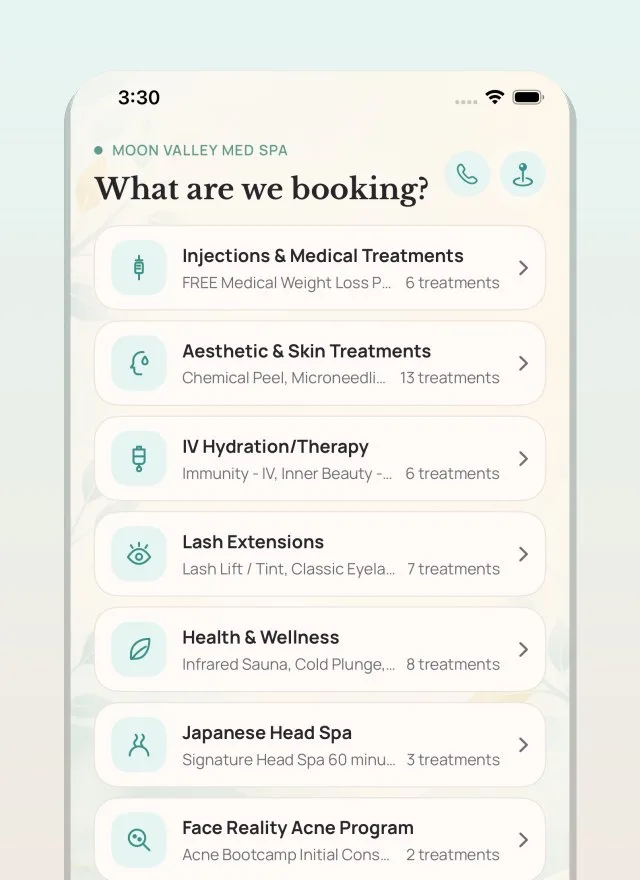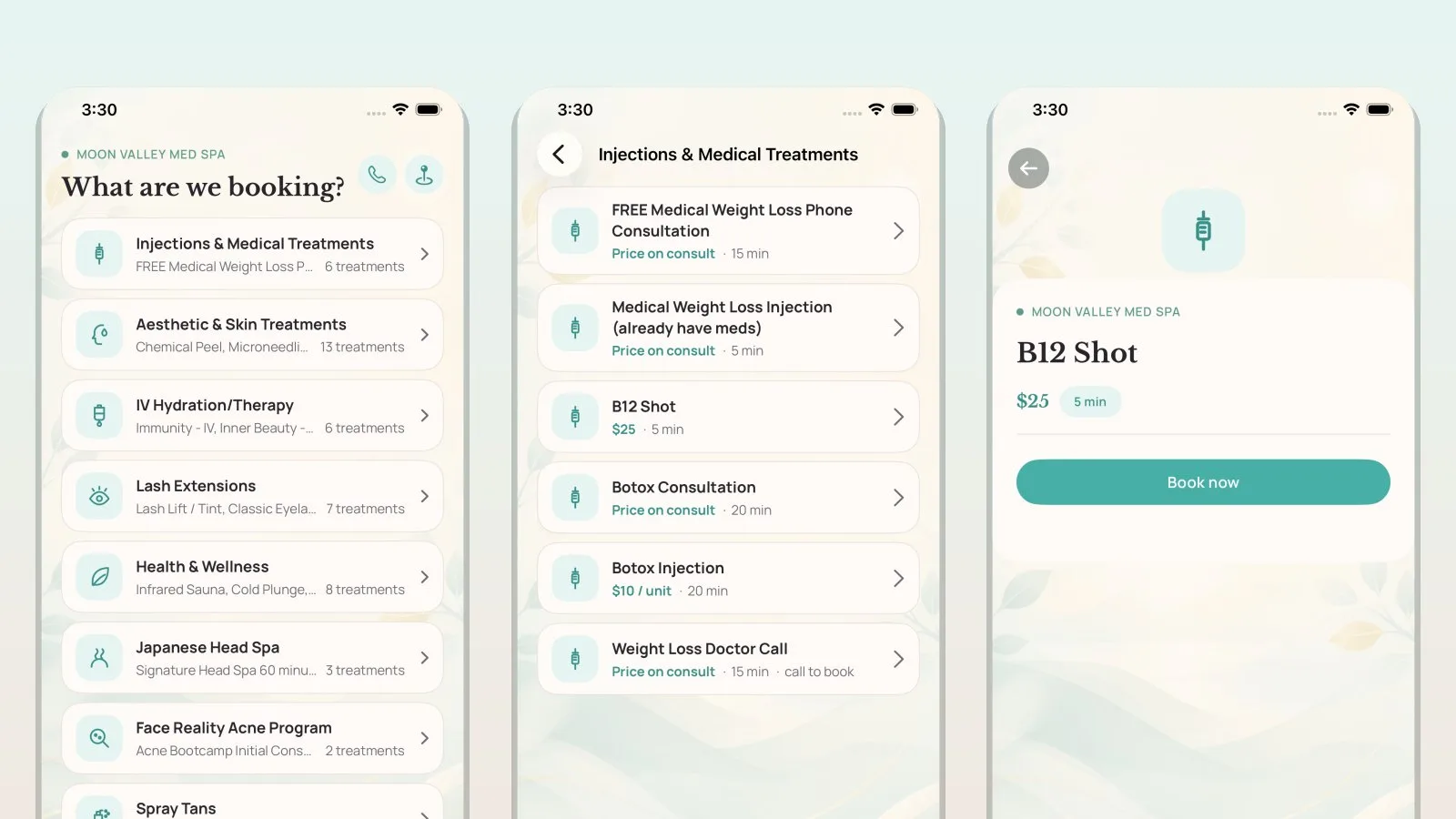
Our patient app is now on the App Store. If you have an iPhone you can install the Moon Valley Med Spa app today. It is free and runs on iOS 16 or later.
It is the same app that went live on Google Play last week, so both versions do the same things. You can see our real schedule and book a visit at a time that suits you, move or cancel a visit you already have, and look back at what you had done and when. Your intake and consent forms are there too, so you can fill them in the night before instead of on a clipboard in the waiting room. Members can see their plan and how many credits are left, and anyone can turn appointment reminders on or off.
The app talks to the same system our front desk uses, so a visit you book in the app is on our calendar the moment you confirm it, and a visit you book by phone shows up in the app.
Signing in
There is no password to make up or forget. Open the app, enter the mobile number we have on file for you, and we text you a six digit code. If you would rather use your email address, that works the same way.
If we do not recognize the number or email you enter, the app will set you up as a new patient. That is fine if you are new to us. If you have visited before and want your history to appear, get in touch first so we can check the number on your file.
Whichever phone you carry
Both store badges at the bottom of every page on this site are now links: the App Store for iPhone and Google Play for Android. If you would rather not use an app at all, nothing changes for you: booking online works the same on any phone or computer, and so does calling us.
The app is new, so if something in it does not look right, tell us. The quickest way for us to smooth a rough edge is for you to point at it.