Last updated: September 2026
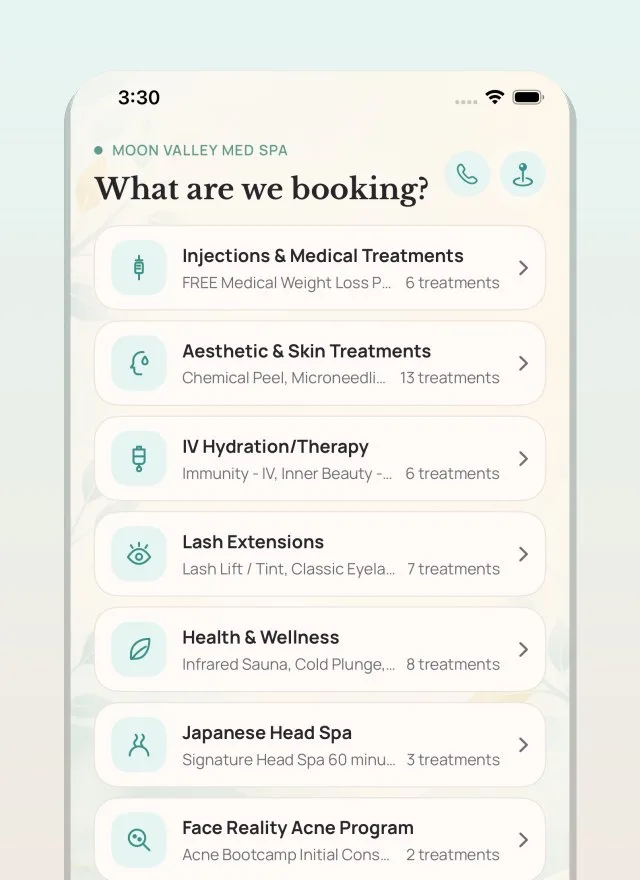
This page covers the Moon Valley Med Spa app for Android, published on Google Play by Moon Valley Med Spa, and your Moon Valley Med Spa account on this website. They are the same account. You can ask us at any time to close it and delete the information we hold about you. This page explains how to ask, what we remove, and what we are required by law to keep.
Delete your account in the app
The quickest way is from inside the Moon Valley Med Spa app. You do not need to contact us first:
- Open the Moon Valley Med Spa app and sign in.
- Tap Profile in the bar at the bottom of the screen.
- Scroll to the bottom and tap Delete my account.
- Read the summary of anything still outstanding, such as an upcoming visit or a membership, then tap Send me a code. We text or email you a six digit code, so that nobody else can close your account.
- Enter the code and tap Delete my account.
Your account is closed straight away and you are signed out. There is nothing further to do and no waiting period.
Other ways to ask
If you cannot get into the app, or you would rather we did it for you, contact us by any of these and tell us you want your account and data deleted:
- Email: info@moonvalleymedspa.com
- Phone: (602) 391-8889
- In person: at our front desk during business hours
So we can be sure we are acting on the right account, we will ask you to confirm your identity before we make any change. We will respond within 30 days.
What we delete
On request, we remove:
- Your account, and your ability to sign in to the app or the website
- Your saved app profile and preferences
- Your marketing and communication consent, so we stop contacting you
- Your device registration for push notifications
Closing your account does not cancel an appointment you have already booked. It does stop us contacting you, including the reminder for that visit, so please make a note of it or call us if you would rather we cancelled it.
One thing to know if you share a phone. Text messages stop for that number, not only for you. If somebody else in your household books with us on the same number, their appointment reminders stop too. Ask us to text you at a different number, or call us, and we can put that right.
Deleting only some of your information
You do not have to close your account. If you would rather we removed particular details, such as your saved address or your marketing preferences, use any of the contact details above and tell us what you would like removed. Treatment records are still kept for the periods described below.
What we must keep, and for how long
We are a licensed medical practice, so some of your information is part of a medical record that the law requires us to retain. We cannot delete those records on request, even when you close your account. Specifically:
This includes the name, date of birth and contact details attached to your treatment record. They are part of that record and are what identify it as yours, so they are kept for the same periods described below rather than removed when your account closes.
- Treatment and clinical records, including intake forms, consent forms, chart notes, and records of the treatments you received. Under Arizona law these are kept for six years after the last date of service. If you were under 18 when you were treated, they are kept until your 19th birthday, or three years after the last service, whichever is later.
- Privacy and consent documentation required by HIPAA, kept for six years.
- Payment and transaction records, kept as long as tax, accounting, and payment-processor rules require.
Records kept for these reasons are held securely, are used only for the purposes the law allows, and are destroyed once the retention period ends.
Your other rights
Deleting your account is not the only option. You can also ask to see your health information, request a correction to it, restrict how we use it, or ask us to contact you only in a particular way. Those rights are described in our Privacy Policy.
Uninstalling the app is not the same thing
Removing the Moon Valley Med Spa app from your phone does not close your account or delete any of your information. It only takes the app off that handset. To actually close the account, use the steps above before you uninstall, or contact us afterwards and we will do it for you.